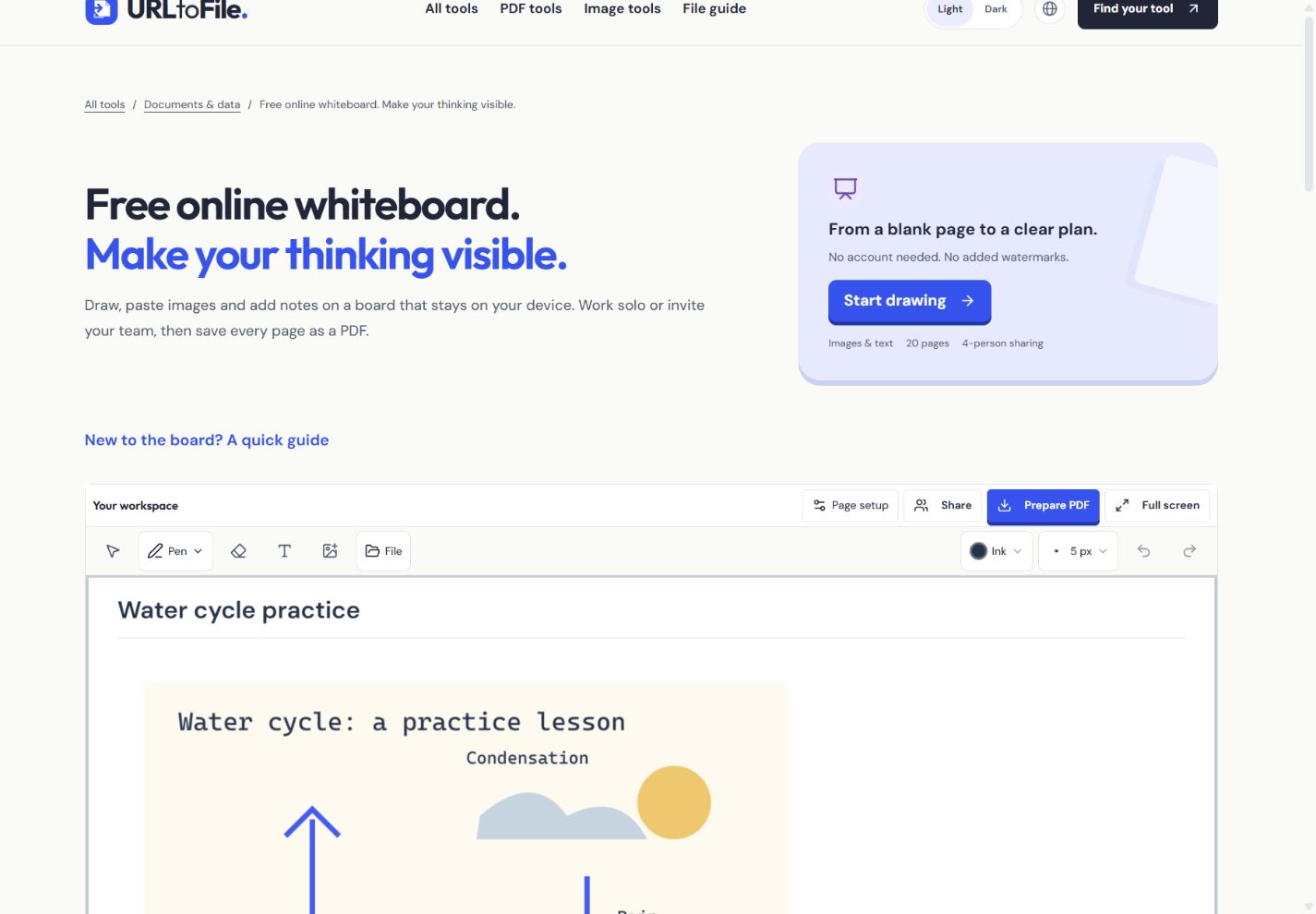
Turn a screenshot into a clear lesson
Add readable notes to an owned diagram, organise a few teaching pages, and keep both an editable backup and a PDF handout.
Start with an image you can share
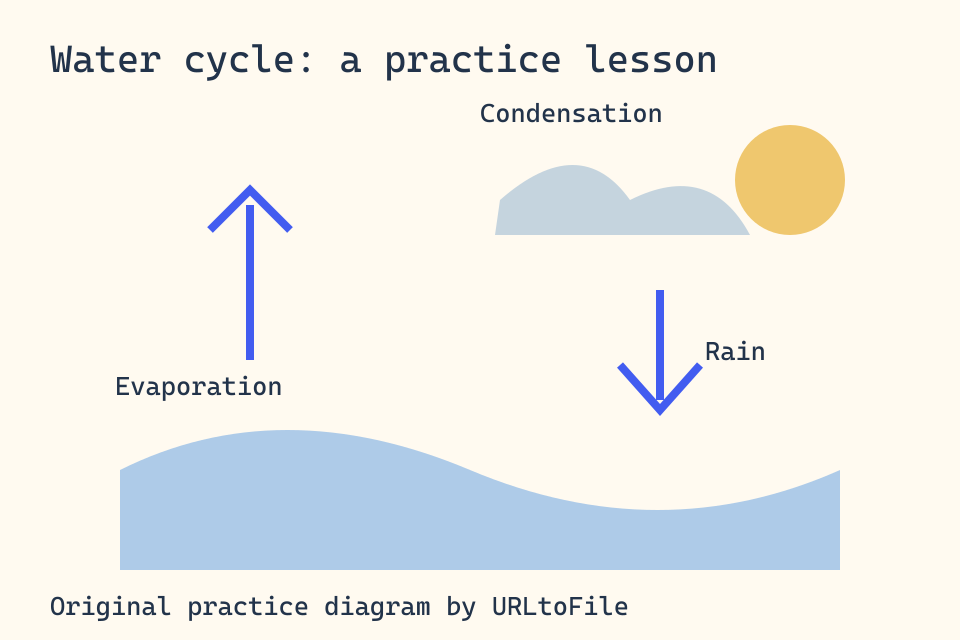
Use your own screenshot or a diagram you have permission to reuse. Remove private names, messages and account details before adding it to a lesson. Our original water-cycle diagram is a fictional practice graphic you can use for this walkthrough. Its three labelled stages give you something concrete to annotate.
Place the image and add a readable note
- Open the whiteboard. Choose Add image and select the diagram. The board stays on your device.
- Choose Select and move to position the diagram. Use its resize handle or the size controls to leave room beside it for notes.
- Choose Add text and type “Heat turns liquid water into vapour.” Place the note near Evaporation. Use the pen to point at the relevant part of the diagram.
- Add another page for a question, such as “Where does condensation happen?” Keeping the question separate makes the handout easier to follow.
Save two different kinds of copy
Swipe the table to compare your backup choices.
| Copy | What it keeps | When to use it |
|---|---|---|
| Editable board file | Drawing objects, images, text and pages | Continue teaching or editing on another device |
| A rendered picture of each page | Print or give someone a fixed handout |
Use File → Save editable board for your working backup. Prepare PDF creates a separate handout. The PDF is rasterized, so its text is not automatically searchable. After editing, an earlier PDF stays available but is labelled Previous PDF; export again to include your new marks.
Local drafts are useful, backups travel
The board saves locally and offers recent drafts in File. Each independent board has its own draft slot; the device keeps at most five recent drafts. Browser storage can be cleared, denied or full. Wait for Saved on this device, then download an editable backup for important work. A local draft cannot appear automatically on another device.
Invite someone without losing the lesson
Share starts an optional direct session. The host approves guests and can pause their editing. Names are self-reported. Both pages must remain open and both devices awake; restricted networks can prevent connection. The two-hour timer limits the connection, with one free thirty-minute extension. Ending sharing keeps your local board. If two people change the same object at once, the host's accepted version wins and a previous-view backup is available for the rejected view.
Make a final reading pass
Open the PDF and inspect every page at the size students will read it. Look for clipped images, small notes and pen marks over labels. Confirm that the saved PDF includes the most recent edits. For a ready-made editable practice board, download our fictional lesson board and open it through File.
What the editable example looks like