
Make a photo fit an upload form
Separate pixel limits from file-size limits, choose an accepted format, and inspect the actual export before submitting it.
Read the form before changing the image
A form asking for 480 pixels is asking about dimensions. A form asking for 100 KB is asking about bytes. One can be right while the other is wrong. Write down the accepted formats, maximum width and height, and maximum file size. Keep your original so every attempt starts from the best source.
Swipe the table to compare the requirements.
| The form says | Your next action | Check afterward |
|---|---|---|
| 480 pixels wide | Resize to width 480, leave height empty for proportions | Exported dimensions |
| Under 100 KB | Set a target of 100 KB, then adjust format or dimensions if needed | Actual exported bytes, not the quality number |
| JPG only | Export JPG | Transparent areas become white |
Try it with an owned test image
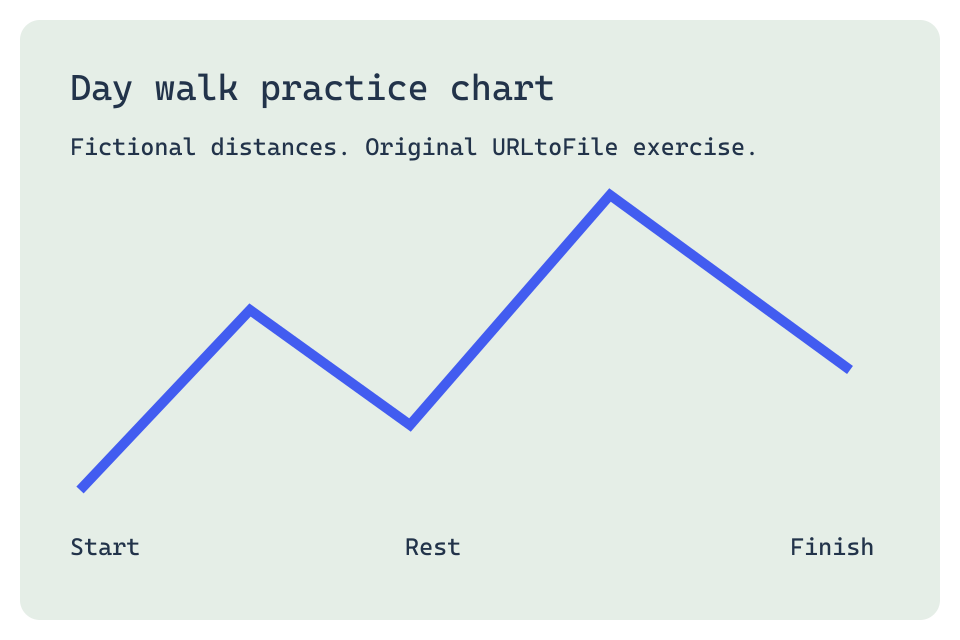
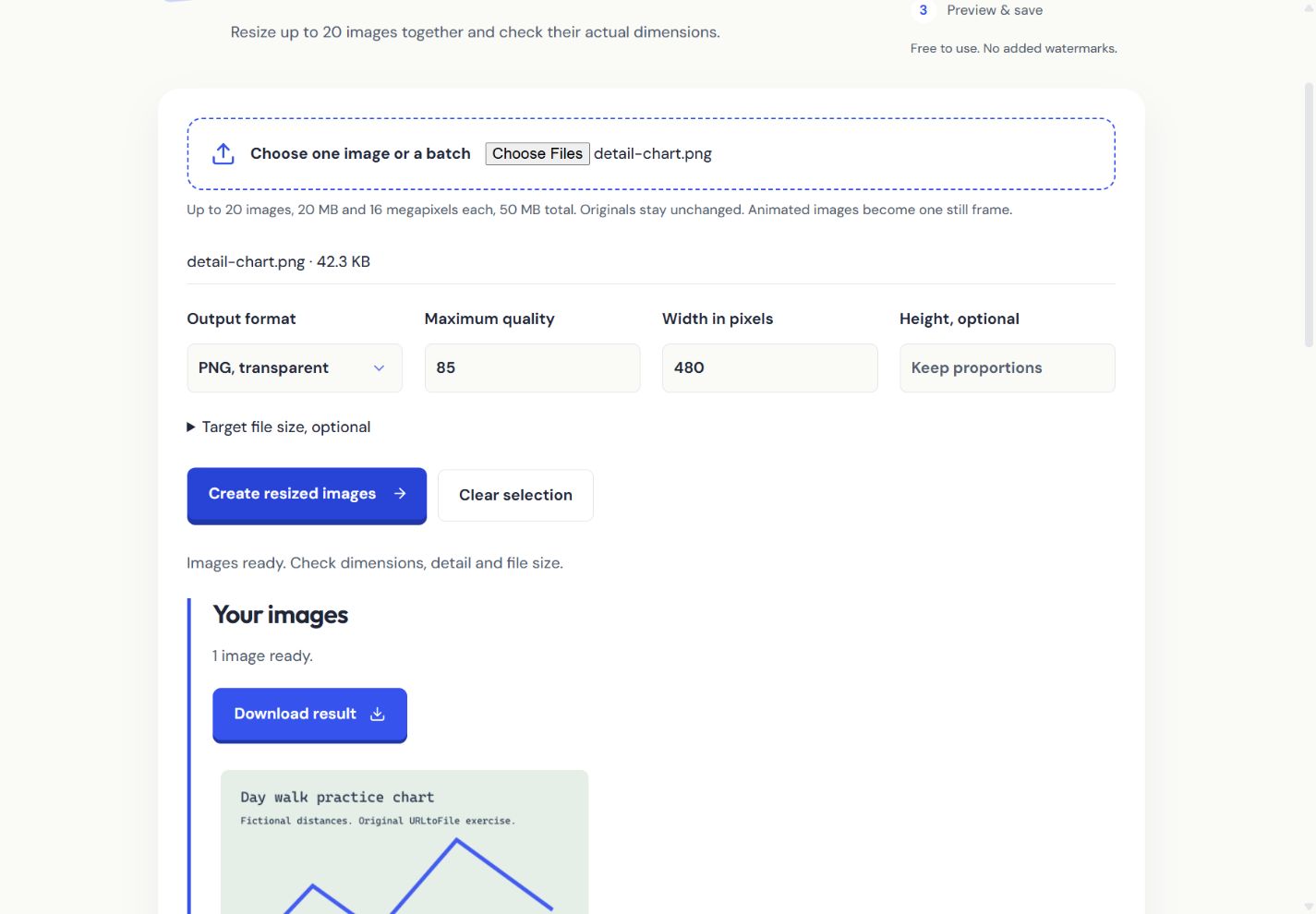
Download our 960 × 640 colour and fine-detail chart. This is an original test graphic, not a photograph. In Resize image, select it, set width 480 and leave height empty. The result should be 480 × 320. A height typed explicitly changes the proportions, so only set both values if the receiving form requires them.
Reach a byte limit without guessing
- Choose the receiving form's accepted output format. PNG suits sharp graphics and transparency; JPG suits photos and fills transparency white. WebP can be compact but the form must accept it.
- Open Target file size and enter the limit in KB. Create an export. The tool reports its actual size and whether the target was reached.
- If the target cannot be reached at those dimensions, reduce the dimensions yourself or explicitly allow downsizing. The tool never claims a target was reached just because it tried.
- Inspect small lettering and fine lines in the output preview. A tiny file is not useful if the form's reviewer cannot read it.
Why a lower quality can still produce a larger file
The input may already be efficiently encoded. A simple PNG graphic can be smaller than a JPG of the same graphic. Quality changes apply to JPG and WebP, not PNG. Repeatedly compressing the last result also loses detail. Start again from the original and compare formats using actual output sizes.
Save and check the exact file you submit
Use the download link, then check browser downloads to confirm saving. A download click is not proof that the file reached disk. Open the saved image and confirm its format, dimensions and size. Our KB targets use 1024 bytes per KB; if a form interprets its limit differently, choose a slightly lower target. Image metadata and animation are not preserved.